
Houston’s hot weather and high humidity can make it harder to keep smartphones safe from moisture. A phone can also get damaged by rain, sweat, spilled drinks, or an accidental drop into water. If your device suddenly stops charging, its speakers sound unclear, or the screen starts flickering after getting wet, taking the right steps can help prevent further problems. Professional liquid damage repair Houston services can help identify the cause and determine whether your phone needs cleaning, component repair, or further testing. At IPC Repair Houston, understanding the possible causes of phone damage can help customers make informed decisions about protecting their devices. This guide explains how humidity affects smartphones, what to do after liquid exposure, and how to reduce the risk of expensive repairs.
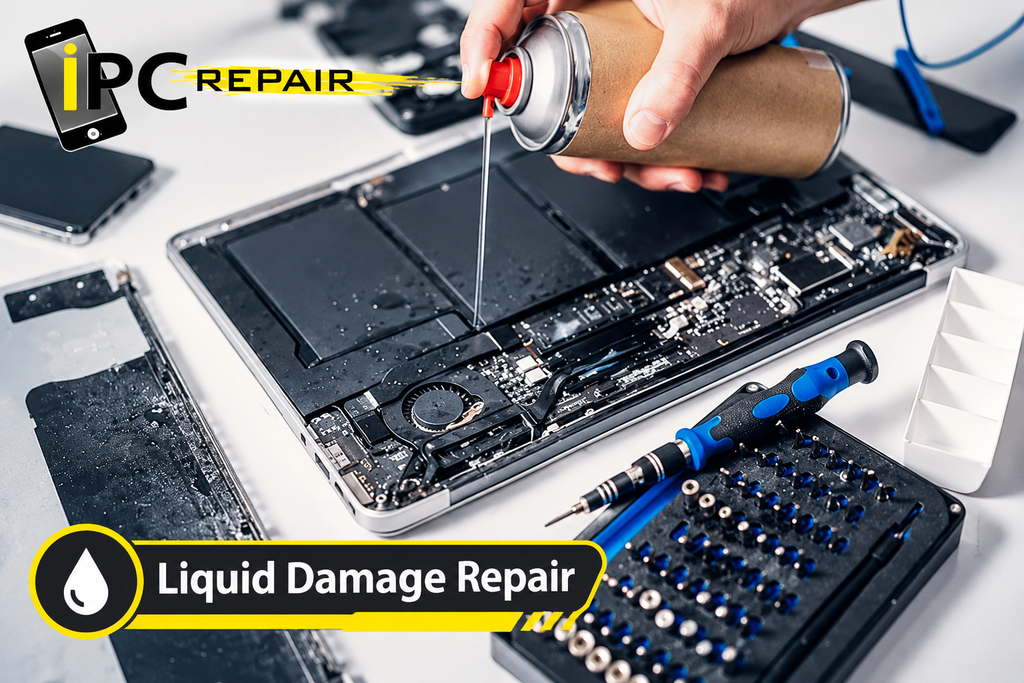
How Houston’s Humidity Affects Smartphones
Understanding Humidity and Phone Moisture
Houston experiences hot, humid weather, especially during the warmer months. Moisture in the air does not automatically damage every smartphone, but condensation and prolonged exposure to damp conditions can create problems. Small amounts of moisture may enter vulnerable areas if a device has damaged seals, worn openings, or existing physical damage.
People searching for humidity damage to smartphones often want to know whether everyday weather can affect their devices. The risk depends on several factors, including temperature changes, the phone’s condition, and its level of water resistance. Anyone concerned about Houston humidity and phone damage should avoid leaving a phone in damp places and watch for moisture warnings or unusual behavior.
Why Temperature Changes Matter
Moving a phone from a hot outdoor environment into a cool, air-conditioned building can cause condensation under certain conditions. Moisture may collect on the device’s surface or around openings, particularly when the temperature and humidity change quickly. This does not mean every temperature change will damage a phone, but repeated exposure can increase the risk.
If you work outdoors or spend time in humid environments, take simple precautions to prevent moisture damage to electronics. Keep your phone away from direct sources of water and allow it to adjust naturally when moving between environments. Avoid placing a damp device in a sealed container unless the manufacturer specifically recommends an appropriate drying method.
Common Causes of Liquid Damage in Houston
Rain, Sweat, and Accidental Spills
Rainstorms, outdoor activities, exercise, and spilled drinks are common situations that can expose a smartphone to liquid. A phone may also become wet inside a pocket or bag when sweat or moisture builds up. Even a small accident can create problems if liquid reaches sensitive internal components.
When these situations occur, phone repair after accidental water exposure may be necessary, depending on the severity of the damage. People looking for phone moisture damage repair in Houston should explain what happened to the device, including whether it came into contact with fresh water, salt water, or another liquid. This information can help a technician assess the possible risks.
Moisture Around Charging Ports and Openings
Charging ports, speaker openings, microphones, and buttons can provide routes for liquid to reach internal areas. Dust, damaged seals, and previous repairs may affect how well a phone resists moisture. Even a device advertised as water-resistant should not be treated as completely waterproof.
If your phone becomes wet, do not connect a charging cable just to check whether it still works. Disconnect accessories and follow the manufacturer’s drying instructions. If you notice persistent problems, liquid damage phone repair near me searches can help you find a local service provider, while emergency liquid damage repair Houston searches may help you locate a repair option when the device needs prompt attention.
Signs Your Phone May Have Liquid Damage
Screen Flickering and Display Problems
A wet phone may develop screen flickering, dark spots, touch sensitivity problems, or unexpected shutdowns. In some cases, the display may work normally at first and then develop issues later. However, these symptoms can also result from a damaged screen, a failing battery, or a software problem.
Recognizing the signs of liquid damage in a phone can help you decide when to stop using the device and seek an assessment. Common phone liquid damage symptoms include display changes, random restarts, unresponsive buttons, and problems that begin shortly after exposure to moisture. Avoid repeatedly restarting a phone to see whether the symptoms disappear.
Charging and Speaker Problems
Liquid exposure can affect charging ports, speakers, microphones, and other components. You might hear muffled audio, notice that calls sound unclear, or receive a moisture warning when connecting a charger. If a phone refuses to charge after getting wet, forcing the connection can make the situation worse.
A professional inspection may determine whether phone charging port water damage repair is appropriate or whether another component is responsible. Similarly, phone speaker water damage repair may be considered if the speaker continues to sound distorted after the device has been safely dried according to manufacturer guidance. Do not insert sharp objects or use heat to remove moisture from these openings.
Corrosion and Internal Component Damage
Liquid can leave mineral deposits or other residues behind as it evaporates. These residues may contribute to corrosion on connectors and electronic components. Damage can sometimes develop after the phone appears to have dried, so a device that turns on is not necessarily free from internal problems.
A technician may recommend phone corrosion repair Houston if an inspection reveals corrosion that affects the device’s operation. In more serious cases, liquid damaged phone motherboard repair may be considered if the main circuit board has sustained damage. The correct repair depends on the affected components and whether safe, reliable restoration is possible.
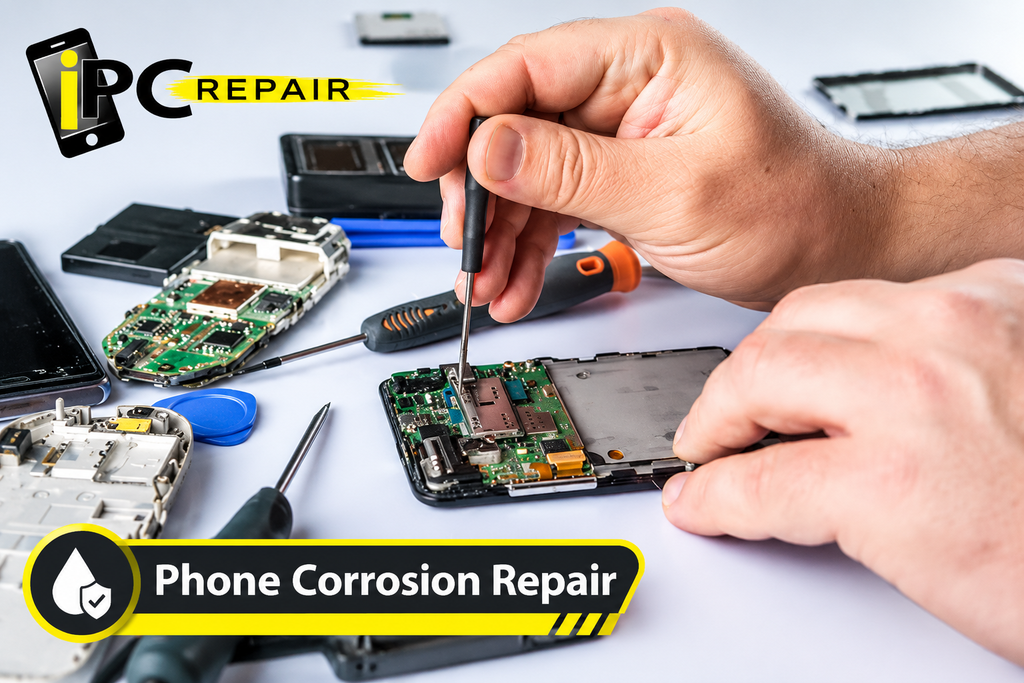
What to Do When Your Phone Gets Wet
Turn Off the Phone Immediately
If your phone gets wet and begins acting strangely, disconnect it from its charger and turn it off if you can do so safely. Do not keep opening apps, testing buttons, or restarting the device. Electrical power can increase the risk of short circuits when moisture is present inside the phone.
If you are wondering what to do when a phone gets wet, start by removing connected accessories and any easily removable case. Follow the manufacturer’s instructions for handling a wet device. Avoid opening the phone yourself unless you have the appropriate skills and equipment, particularly if the battery is built in.
Dry the Exterior Carefully
Use a clean, soft, lint-free cloth to gently wipe away visible liquid. Keep the phone in a dry, well-ventilated location and follow the manufacturer’s recommended drying procedure. Do not use a hair dryer, oven, radiator, or direct sunlight to speed up the process because excessive heat can damage the battery and other parts.
People searching for how to dry a wet smartphone safely should also avoid placing the device in rice. Rice cannot reliably remove moisture trapped inside a phone, and particles may enter its openings. If the phone shows persistent problems or has been exposed to a significant amount of liquid, arrange a professional assessment instead of relying on home remedies.
Avoid Charging and Other Risky Actions
Do not charge a wet phone or connect accessories until the manufacturer says it is safe. Do not blow compressed air into openings, insert cotton swabs into the charging port, or shake the phone aggressively. These actions may push liquid farther inside or damage delicate parts.
Basic phone water damage troubleshooting should focus on preventing additional harm rather than trying to make the phone work immediately. Keep the device powered off if possible and seek guidance when the exposure is serious. If the battery becomes swollen, unusually hot, or starts producing smoke, stop handling the phone, move away from it, and contact emergency services if there is a fire or immediate danger.
Can a Water-Damaged Phone Be Repaired?
When Repair Is Possible
Many liquid-damaged phones can be assessed for repair, but the outcome depends on the amount and type of liquid, the time before treatment, and which components were affected. A phone exposed briefly to clean water may have a different prognosis from one submerged in salt water or a sugary drink. No repair shop can guarantee recovery before inspecting the device.
Customers looking for water-damaged phone repair in Houston should describe the incident as accurately as possible. A technician may recommend cleaning, replacing an affected part, or performing further diagnostic tests. Phone water damage recovery Houston depends on the condition of the device and the availability of suitable replacement components.
iPhone and Android Liquid Damage
Different smartphone models have different internal layouts, seals, and repair requirements. Water resistance varies by model and condition, and it may decrease after drops, wear, or previous repairs. An older device with damaged seals may be more vulnerable than a newer device that remains in good condition.
If you need iPhone liquid damage repair Houston, provide the model and explain the symptoms that appeared after exposure. Owners seeking Android water damage repair Houston should do the same because charging systems, battery designs, and internal components differ across devices. A proper assessment helps determine which repair options are realistic.
Protecting Important Data
A liquid-damaged phone may contain photos, contacts, messages, and documents that are difficult to replace. If the device still works, avoid unnecessary use or charging until you understand the risk. If the phone is already powered off, do not repeatedly turn it on just to check whether your files are accessible.
A technician may assess whether water-damaged iPhone recovery in Houston is possible or whether other data-recovery options are appropriate. The same applies to other smartphones, although success is never guaranteed. If your information is important, explain this before authorizing repairs and ask whether the proposed work could affect stored data.
How Professional Liquid Damage Repair Works
Inspection and Diagnosis
A repair process usually begins with questions about the incident and an inspection of the phone’s condition. The technician may check the charging port, screen, buttons, battery behavior, and other accessible areas. Depending on the model and symptoms, additional testing may be needed to identify hidden damage.
A professional phone water damage assessment can help separate liquid-related problems from unrelated hardware faults. A liquid damage diagnostic service Houston customers choose should explain the findings clearly and discuss the available options before major work begins. Diagnosis is particularly important when a phone has multiple symptoms or intermittent faults.
Cleaning and Corrosion Treatment
If inspection reveals internal contamination, a technician may recommend an appropriate cleaning procedure. The method depends on the device design, the type of liquid, and the condition of the affected components. Internal cleaning should not be confused with simply wiping the outside of a phone or leaving it to dry overnight.
A suitable smartphone moisture removal service may involve opening the device and inspecting areas that cannot be reached from the exterior. Liquid damage cleaning for smartphones may also help address residue, but cleaning cannot reverse every form of corrosion or restore components that have already failed. Any required part replacements should be discussed before repair work proceeds.
Testing Internal Components
After cleaning or replacing damaged parts, technicians may test the phone’s functions to check whether the original problems remain. Depending on the symptoms, this can include examining charging behavior, screen response, speakers, cameras, buttons, and battery performance. Some faults require more than one round of testing.
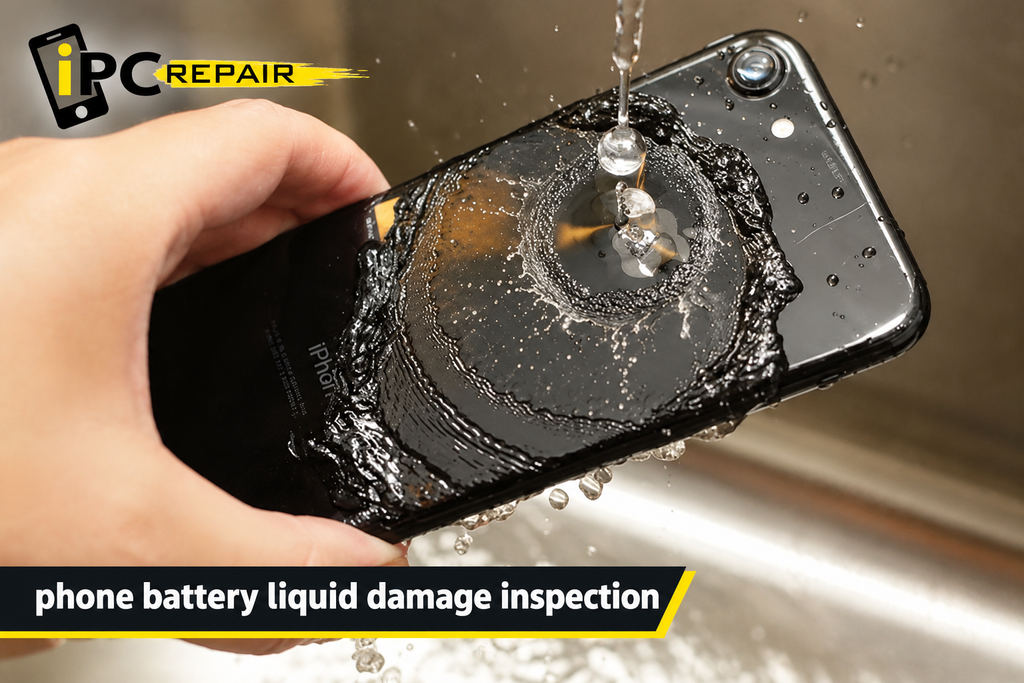
If internal circuits are affected, phone battery liquid damage inspection may help determine whether the battery or its connections need attention. A smartphone corrosion cleaning service may be appropriate when corrosion is found, but the technician must assess whether the affected parts can be restored safely. Testing results should guide the next step rather than assumptions based only on appearance.
Liquid Damage Repair Cost in Houston
What Affects the Repair Price?
The price of a repair depends on the phone’s make and model, the type of liquid, the extent of corrosion, and the components that need attention. A basic inspection or cleaning may cost less than replacing a screen, charging assembly, or motherboard. Repair complexity and the availability of parts can also influence the final quote.
Before approving liquid damage phone repair cost Houston work, ask what the inspection includes and whether parts and labor are charged separately. The cost of water damage repair for mobile devices can vary considerably, so an estimate should reflect your specific device rather than a general online price. Also ask whether the repair comes with any warranty and what that warranty covers.
Should You Repair or Replace Your Phone?
Compare the expected repair cost with the price of a suitable replacement phone. Consider the age of your device, its current condition, the importance of your stored data, and whether other components may also have been affected. A low initial repair quote may not tell the full story if hidden damage remains.
When comparing Houston phone repair services, ask whether the technician can explain the likely repair outcome and any limitations. A reliable liquid damage repair shop Houston customers choose should provide clear information about costs and risks rather than promise that every water-damaged phone can be restored. Make your decision after reviewing the diagnosis and available options.
Protect Your Phone From Houston’s Humidity
Use a Protective Case and Keep Your Phone Dry
A suitable protective case can help guard against everyday bumps and some splashes, depending on its design. However, a standard case does not make a phone waterproof. Keep your device away from sinks, pools, open drinks, wet work surfaces, and other sources of liquid.
Good habits are central to protecting phones from Houston humidity, especially when you spend time outdoors. To prevent phone damage during humid weather, keep your phone in a dry pocket or bag and avoid placing it directly against sweaty clothing for long periods. If your phone becomes damp, wipe the exterior and follow the manufacturer’s instructions.
Avoid Hot Cars and Damp Storage Areas
Leaving a phone inside a parked car can expose it to high temperatures, while damp storage areas may increase moisture exposure. Heat can damage batteries, and sudden environmental changes can contribute to condensation under certain conditions. Whenever possible, keep your phone in a shaded, dry place within the manufacturer’s recommended operating temperature range.
If you regularly work outdoors, check your phone for signs of damage and make sure its case and seals remain in good condition. Prevent moisture damage to electronics by keeping devices away from direct water sources and avoiding unnecessary exposure to extreme temperatures. These habits are especially useful for people who rely on their phones throughout the workday.
Pay Attention to Moisture Warnings
Some phones display a warning when moisture is detected in the charging port. Do not ignore the alert or try to bypass it by connecting a charger repeatedly. Disconnect the cable and follow the manufacturer’s instructions until the port is safe to use.
If the warning continues after the recommended drying period, the phone may need further inspection. Smartphone water damage repair Houston services may help identify persistent charging issues, while phone water damage troubleshooting can begin with checking the manufacturer’s guidance. Do not assume that a warning always means permanent damage, but take it seriously until the device is safe.
Choosing Phone Repair in Houston
Look for Clear Diagnosis and Communication
When selecting a repair provider, ask how the technician evaluates liquid damage, whether you will receive a quote before major repairs, and how the shop handles personal data. It is also useful to ask about expected turnaround times, available parts, and any limitations on the repair warranty. Clear answers make it easier to compare services.
People searching for cell phone water damage repair Houston should focus on the quality of the assessment rather than choosing a provider based on a promise of instant recovery. If you need phone liquid damage repair Houston, explain the symptoms and the type of liquid involved. Accurate details can help the technician determine the most appropriate next step.
Contact IPC Repair Houston
IPC Repair Houston can be considered when you need information about phone repair options after liquid exposure. Before arranging service, describe your phone model, what happened, and whether it still powers on or shows charging, display, or audio problems. Ask about the inspection process and whether the shop can assess the specific fault you are experiencing.
If you are searching for liquid damage repair in Houston, choose a repair service that communicates clearly about the diagnosis, estimated cost, and possible outcomes. Prompt professional advice may help you avoid actions that worsen the damage. The best repair decision is one based on the device’s actual condition, not on assumptions that every wet phone needs the same treatment.
FAQS
How Long Does Liquid Damage Repair Take?
Repair time depends on the phone model, the severity of the damage, the diagnostic process, and the availability of parts. Some devices may need only limited work, while others require detailed inspection and component replacement. Ask the repair provider for an estimate after the initial assessment.
Can I Charge My Phone After It Gets Wet?
Do not charge your phone while moisture may be present in the charging port or inside the device. Follow the manufacturer’s instructions and wait until the phone is confirmed safe to charge. If a moisture warning persists or the device behaves unusually, seek professional advice.
Will My Phone Work Again After Water Damage?
It may, but recovery depends on the liquid, exposure time, internal condition, and affected components. Some phones can be repaired, while others have damage that makes restoration impractical. A professional inspection is the best way to understand the available options.
Does Houston’s Humidity Damage Phones?
Humidity alone does not automatically damage every phone, but condensation, damp conditions, and direct liquid exposure can create risks. Damaged seals and existing wear may increase vulnerability. Keeping the device dry and following the manufacturer’s care instructions can help reduce the risk.
Should I Repair or Replace a Water-Damaged Phone?
Compare the repair estimate with the cost of a suitable replacement. Consider your phone’s age, overall condition, the importance of its stored data, and the likelihood of further faults. Request a clear diagnosis before making a decision.
Conclusion: Protect Your Phone From Liquid Damage
Houston’s humid climate makes it sensible to take extra care of your smartphone, but rain, spills, sweat, and accidental submersion can also cause serious problems. If your phone gets wet, disconnect accessories, avoid charging it, keep it away from heat, and follow the manufacturer’s drying guidance. Do not rely on rice or repeatedly restart the device to test whether it works. If you notice charging problems, screen changes, muffled audio, or other unusual symptoms, arrange an appropriate assessment. For liquid damage repair Houston, IPC Repair Houston can be a starting point for discussing your repair needs, understanding possible solutions, and deciding what to do next.