
A warm iPhone during heavy use gaming, navigation, video recording is normal and expected. A hot iPhone that stays hot at rest, triggers a warning screen, or seems to be getting worse over time is a different situation, and one worth taking seriously. Overheating is one of the few iPhone issues that can actually cause additional damage the longer it’s ignored, since sustained heat degrades the battery faster than almost anything else.
Here’s how to tell the difference, what’s actually causing it, and when it’s more than a settings fix.
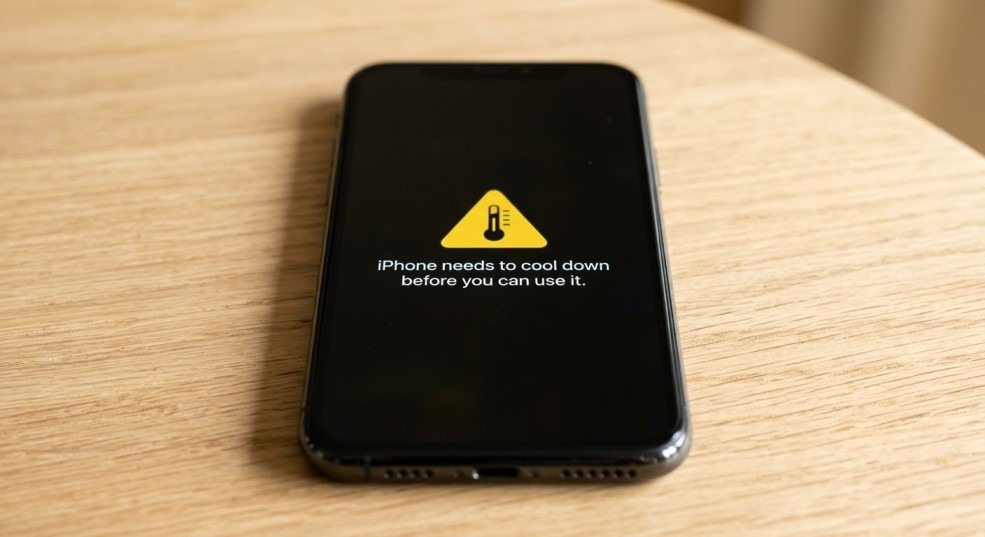
Table of Contents
- Normal Warmth vs. a Real Overheating Problem
- Cause 1: Direct Sunlight or Hot Environments
- Cause 2: Charging While Using Demanding Apps
- Cause 3: Background App Activity
- Cause 4: A Case That’s Trapping Heat
- Cause 5: An Uncertified or Faulty Charger
- Cause 6: A Failing or Swollen Battery
- Cause 7: Logic Board or Internal Component Fault
- What to Do If You See a Temperature Warning Screen
- Prevention Habits
- When to Get a Diagnostic
- FAQ
- Bottom Line
Normal Warmth vs. a Real Overheating Problem
| Normal | Not Normal |
| Warm during charging, especially fast charging | Hot even when idle and not charging |
| Warm during gaming, video calls, or GPS navigation | A temperature warning screen appears |
| Warm in direct sunlight briefly | Case feels hot to the touch consistently, day after day |
| Cools down within a few minutes of stopping the activity | Stays warm long after use has stopped |
If your iPhone falls into the “normal” column, no action is needed beyond basic prevention habits below. If it’s consistently in the “not normal” column, work through the causes in order.
Cause 1: Direct Sunlight or Hot Environments
This is by far the most common cause, and Apple’s own thermal management system is designed specifically around it. iPhones are rated to operate up to 95°F (35°C) leaving one on a car dashboard, at the beach, or in direct sun for extended periods can quickly push it past that.
Fix: Move the phone to shade or an air conditioned space. If a “Temperature” warning screen appears, let the phone cool undisturbed don’t try to force it to work by restarting or continuing to use it, since this delays cooling.
Cause 2: Charging While Using Demanding Apps
Combining charging with GPS navigation, gaming, or video recording generates more heat than either activity alone, since the phone is drawing power in and pushing it out to demanding processes at the same time.
Fix: Avoid charging during navigation heavy drives or extended gaming sessions. If you need to charge and use the phone simultaneously, keep the session shorter and monitor for excessive warmth.
Cause 3: Background App Activity
Apps that continue running processes in the background especially ones with bugs, or ones performing constant location tracking, video processing, or syncing can cause sustained heat even when you’re not actively using the phone.
Fix: Settings > Battery shows battery usage by app over the last 24 hours/10 days. An app using significantly more battery than its actual usage time suggests a background issue force close it, check for an update, or delete it if the problem persists after updating.
Cause 4: A Case That’s Trapping Heat
Some phone cases, especially thick or non breathable ones, trap heat rather than allowing it to dissipate. This becomes more noticeable during charging or heavy use.
Fix: Remove the case while charging or during extended use in warm conditions, especially with cases made of thick silicone or leather wrapped materials that insulate rather than vent heat.
Cause 5: An Uncertified or Faulty Charger
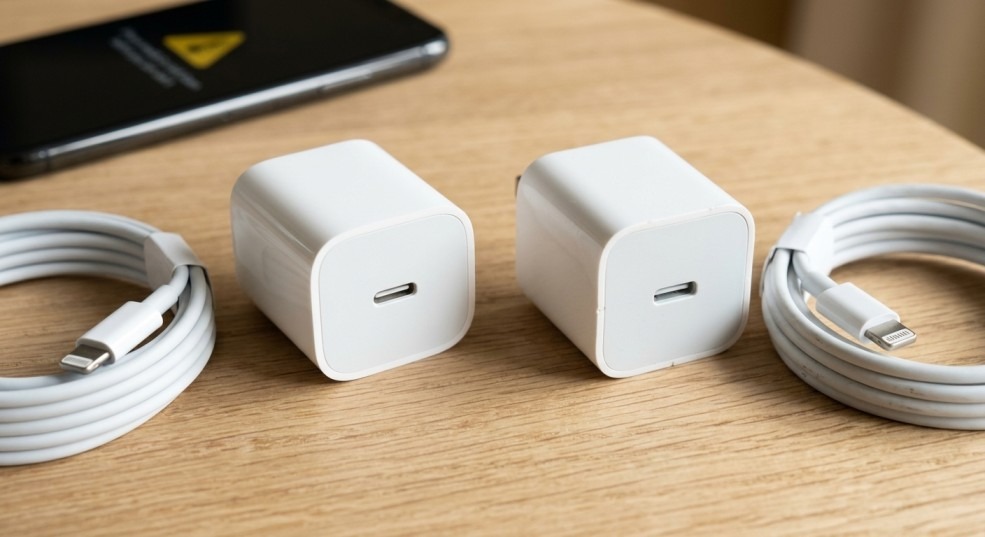
Non MFi certified chargers, especially cheap fast charging adapters, can deliver inconsistent or excessive voltage, which generates more heat than a properly regulated charger. A damaged cable with internal fraying can cause the same issue.
Fix: Use an Apple certified or MFi certified charger and cable. If the phone runs noticeably hotter with one charger than another, that charger is likely the problem stop using it.
Cause 6: A Failing or Swollen Battery
If the phone runs hot even during light use, with no clear environmental or app related trigger, an aging or internally failing battery is a likely cause. A battery that can no longer regulate power delivery properly generates excess heat as a byproduct.
Warning signs to stop use immediately:
- The back panel or screen shows any separation, lifting, or bulging.
- The phone is hot to the touch even sitting idle and unused.
- Heat is accompanied by unusually fast battery drain or random shutdowns.
A swollen or failing battery is a safety concern, not just a performance issue continued use and charging in this state carries real risk of further damage.
Cause 7: Logic Board or Internal Component Fault
If overheating persists with a certified charger, no case, no demanding apps running, in a cool environment, and battery health checks out fine, the remaining cause is typically an internal hardware fault a short in the charging circuit or a failing internal component generating excess heat as it fails. This isn’t resolvable through settings or software and needs a hardware diagnostic.
What to Do If You See a Temperature Warning Screen
If your iPhone displays a warning that it needs to cool down before it can be used:
- Stop using the phone immediately don’t try to dismiss the warning and keep going.
- Remove the case.
- Move to a cool, shaded, air conditioned space if possible.
- Unplug from any charger.
- Wait until the phone cools before attempting to use it again this can take 10 30 minutes depending on how hot it got.
Do not put the phone in a refrigerator or freezer to speed up cooling rapid temperature changes can cause internal condensation, which introduces a separate liquid damage risk.
Prevention Habits
- Avoid leaving the phone in direct sunlight, hot cars, or near heat sources for extended periods.
- Remove thick cases during charging or heavy use in warm weather.
- Use certified chargers and cables.
- Keep iOS updated Apple periodically patches background processes that cause excess heat.
- Avoid charging while gaming, navigating, or recording extended video.
- Check Battery Health periodically (Settings > Battery > Battery Health & Charging) a battery below ~80% capacity is more prone to heat issues under load.
When to Get a Diagnostic
Overheating that isn’t explained by sun, charging habits, or a specific app is worth getting checked, because the underlying causes battery degradation, a faulty charger, or an internal fault tend to get worse rather than resolve on their own, and sustained heat accelerates battery wear even if nothing fails outright.
iPC Repair Houston offers free diagnostics that check battery health and internal charging components to identify the actual cause of persistent overheating before it leads to a bigger issue. Their iPhone repair Houston TX team handles battery replacement and internal hardware repair with same day turnaround on most models.
(Overheating isn’t just a phone issue laptops with clogged vents or failing batteries show the same warning signs. For a laptop that runs hot or shuts down from heat, see laptop screen repair Houston for a full hardware diagnostic.)
FAQ
Is it normal for my iPhone to get warm while charging?
Yes, mild warmth during charging especially fast charging is normal. It becomes a concern only if the phone gets hot to the touch, stays warm long after charging stops, or triggers a temperature warning.
What does the “iPhone needs to cool down” warning actually mean?
It’s a built in safety feature that pauses phone functions when internal temperature crosses a safe threshold, most often triggered by direct sunlight or a hot environment. It’s protective, not a sign the phone is broken.
Can a cheap charger actually cause overheating?
Yes. Uncertified chargers can deliver inconsistent voltage that generates more heat than a properly regulated MFi certified charger, and in some cases can contribute to long term battery or port damage.
Why does my phone get hot even when I’m not using it?
This usually points to a background app running an intensive process (location tracking, syncing, video processing) or, if it persists after closing all apps, a battery or internal hardware issue worth having checked.
Can overheating damage my iPhone permanently?
Occasional, brief overheating from sun or heavy use isn’t typically damaging. Repeated or sustained overheating accelerates battery degradation and, in more serious cases, can affect internal components over time.
Should I put my overheated phone in the fridge to cool it down faster?
No. Rapid temperature swings can cause condensation to form inside the phone, creating a liquid damage risk. Let it cool gradually at room temperature instead.
How do I know if it’s the battery causing the overheating?
Check Battery Health in Settings a Maximum Capacity below roughly 80%, especially combined with heat during light use rather than heavy use, points to the battery. A diagnostic can confirm this directly.
Bottom Line
Most overheating traces back to sun exposure, charging habits, or a background app all fixable with a quick change in behavior. If the phone stays hot without an obvious cause, or you see a temperature warning with no clear trigger, that’s worth a diagnostic before it turns into a battery or hardware problem.
iPC Repair Houston is located in Rice Village (5600 Kirby Dr N 2) and offers free diagnostics with same day battery and hardware repair. Walk in, call (713) 847 7103, or get an instant quote before you come in.