
Your phone is one of the most important devices you use every day. You rely on it for calls, messages, work, navigation, payments, and entertainment. But when your phone stops charging properly, even simple tasks can become frustrating. Getting charging port repair Houston services at the right time can help you avoid bigger problems and keep your device working smoothly. A charging port may look like a small part, but it plays an important role in your phone’s daily performance.
Many people ignore charging problems when their phone still charges occasionally. They may adjust the cable, use a different charger, or leave the phone connected for longer than usual. These temporary solutions may work for a short time, but they do not fix the actual problem. At IPC Repair Houston, we understand how inconvenient charging issues can be. Recognizing the warning signs early can help you protect your device, avoid unexpected downtime, and make a better repair decision.
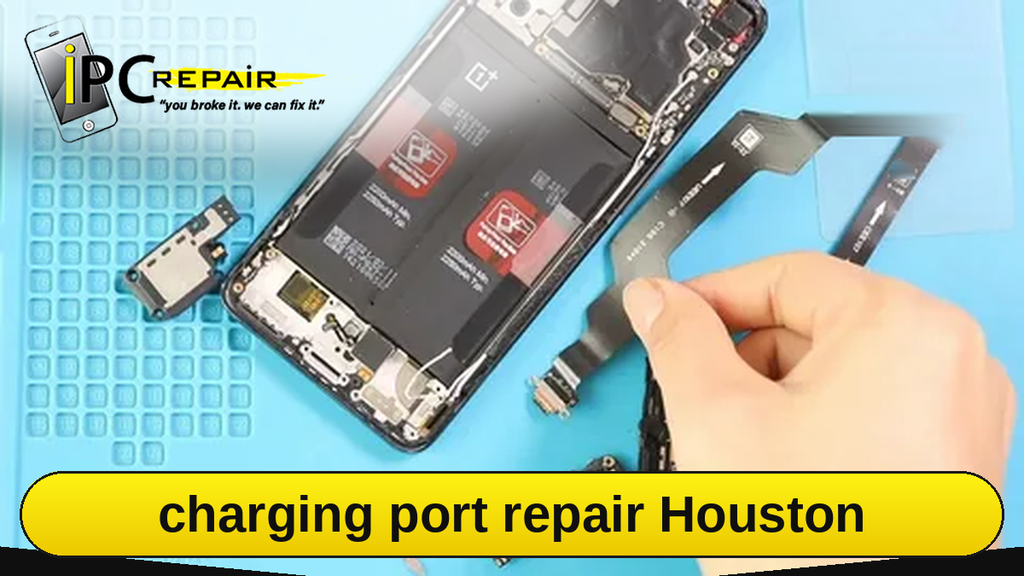
Recognize the Early Warning Signs
A charging port problem usually starts with small changes in how your phone responds to a charger. You may notice that the charging symbol appears and disappears, or your phone may take much longer to reach a full battery. These phone charging issues Houston customers experience can come from dirt inside the port, a worn connector, a damaged cable, or an internal hardware problem. Paying attention to these changes can help you find the cause before your phone stops charging completely.
Another common sign is inconsistent charging. Your phone may charge normally one day but struggle the next day, even when you use the same charger. If you notice phone charging intermittently Houston problems, avoid repeatedly moving the cable to make the connection work. Constant movement can put extra pressure on the port and make an existing problem worse. A proper inspection can help identify whether the issue comes from the port, battery, charger, or another internal component.
Understand Why Charging Ports Get Damaged
Charging ports experience regular wear because you connect and disconnect a cable several times a day. Over time, this repeated use can affect the internal connector and make it harder for the cable to stay in place. A broken phone charging port Houston repair may become necessary when the connector no longer works properly or when the port has visible physical damage. Dropping a phone while it is connected to a charger can also bend or damage the port.
Dust, moisture, and poor charging habits can create additional problems. Pocket lint may collect inside the port and prevent the cable from making proper contact. Liquid exposure can cause corrosion that affects the charging connection or nearby components. If you notice a damaged charging port repair Houston situation, do not force the cable into the phone or try to remove internal parts yourself. A trained technician can inspect the port and determine the safest repair method.
Fix Charging Problems Before They Get Worse
A charging problem may seem minor at first, but ignoring it can create more inconvenience over time. When the connection becomes unstable, your phone may lose power during important calls, meetings, travel, or daily tasks. Getting phone not charging repair Houston services early can help you identify the issue and avoid waiting until your battery is empty. Early attention also gives technicians a better chance to identify the problem before additional damage develops.
Some people continue using a damaged port because their phone still charges when they hold the cable in a certain position. This habit can put pressure on the connector and increase the risk of further wear. If your phone won’t charge Houston problem continues, stop relying on temporary cable adjustments. A proper repair can restore a stable connection and make charging more convenient. It is better to check the issue early than to lose access to your phone when you need it most.
Check for Loose Connections and Cable Problems
A loose connection is one of the most frustrating charging problems. You may plug in your phone, but the cable does not stay connected securely. Sometimes the phone begins charging only after you move the cable, while other times it disconnects whenever you touch the device. A loose charging port repair Houston service may be needed when the internal connector has worn out, or the port has become unstable from repeated use.
The charging cable itself can also cause connection problems. A damaged cable, worn connector, or poor-quality accessory may fail to deliver power consistently. If you notice a phone charging cable loose Houston issue, test the phone with a compatible cable and adapter that you know work properly. If the problem continues with different accessories, the charging port may need professional inspection. Avoid pushing the cable harder because force can damage the connector or internal contacts.
Why Your Phone Charges Only at an Angle
If your phone charges only when the cable sits in a particular position, something may be wrong with the charging connection. This problem often happens when the port becomes loose, the connector contacts wear down, or debris blocks the cable from entering fully. A phone only charges at an angle Houston problem should not be treated as normal phone behavior. Your cable should connect securely without requiring pressure or constant adjustment.
Charging at an angle can also place stress on the port. Every time you bend or move the cable to maintain power, you may increase the pressure on the internal connection. If your device starts showing phone charging slowly repair Houston symptoms along with an unstable cable connection, a technician should inspect it. The issue may involve the port, battery, charging cable, or another component, so proper testing is important before replacing any part.
Clean the Port Safely and Avoid Damage
Dust and lint can collect inside your phone’s charging port, especially if you carry your device in a pocket, purse, backpack, or dusty environment. The buildup may stop the cable from connecting correctly or prevent the phone from receiving power. Professional phone charging port cleaning Houston services can help remove debris when it blocks the connection. Cleaning may solve the problem if the port has no physical damage and the issue comes from dirt alone.
However, cleaning a charging port requires care. Sharp objects, metal pins, excessive force, and liquids can damage delicate contacts inside the port. If you suspect debris, avoid inserting household tools or scraping the connector. A professional can perform charging port debris removal in Houston safely and check whether the port has other damage. If cleaning does not restore charging, the technician may recommend repair or replacement based on the condition of the connector.
Choose Repair or Replacement Based on Damage
Not every charging problem requires a complete port replacement. In some cases, professional cleaning may restore the connection, while other problems may involve a damaged connector, loose internal parts, or corrosion. A charging port replacement Houston service may be the right option when the port has physical damage or no longer provides a reliable connection. The best solution depends on your phone model and the results of a proper inspection.
A repair technician should check the port before recommending a replacement. If the internal connector has minor issues, a suitable repair may be possible depending on the device design. When the port is badly damaged, a replacement may offer a more dependable solution. A phone charging port replacement Houston service can help restore normal charging when the existing port cannot work properly. Always ask about the repair process, parts, and warranty before approving the service.
Get Help for Different Phone Models
Charging ports can vary between phone brands and models. Some devices use USB-C ports, while older phones may use different connectors. The repair process also depends on the internal design of the device and how the charging port connects to the motherboard or charging assembly. A cellphone charging port fix Houston service should begin with identifying your exact phone model and checking the type of damage before any repair work starts.
Professional repair can also help you avoid unnecessary part replacements. If the phone has charging problems, the cause may not always be the port itself. A damaged battery, charging cable, adapter, or internal circuit may produce similar symptoms. Choosing a charging port repair service Houston provider that performs proper diagnostic testing can help you understand the issue and make an informed decision about your phone.
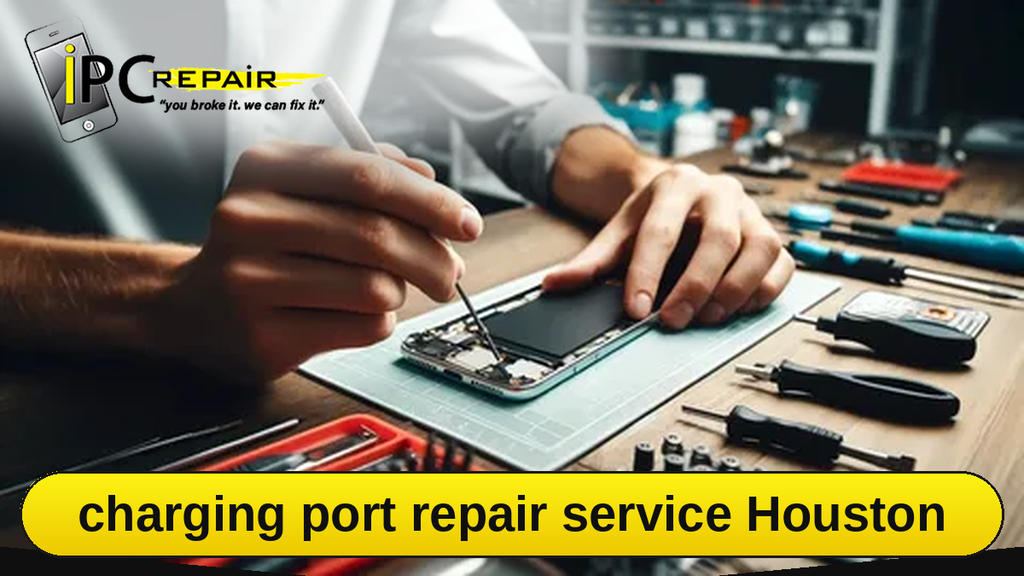
Repair Options for iPhone Users
iPhones can develop charging problems because of dust buildup, connector wear, liquid exposure, or damaged charging accessories. If your iPhone does not recognize the charger, charges slowly, or disconnects repeatedly, the port may need inspection. A professional iPhone charging port repair Houston service can help identify whether the problem comes from the connector, cable, battery, or another part of the charging system. The repair process varies according to the iPhone model.
Some iPhones may require a complete charging port assembly replacement, while others may have a problem that can be resolved through cleaning or another repair. If the port is physically damaged or no longer makes a reliable connection, iPhone charging port replacement in Houston may be necessary. Before approving the repair, ask the technician to explain what caused the problem and what solution they recommend. This helps you understand the repair rather than paying for unnecessary work.
Charging Port Solutions for Samsung Phones
Samsung phones also experience charging problems caused by dust, loose connections, damaged cables, and moisture exposure. A phone may display a charging warning, connect and disconnect repeatedly, or fail to recognize the charger. Professional Samsung charging port repair Houston services can help determine whether the charging port needs cleaning, repair, or replacement. The exact solution depends on the phone model and the condition of its charging hardware.
If the charging connector is worn out or physically damaged, replacing it may be necessary. A Samsung phone charging port replacement Houston service can restore the connection when the original port no longer works properly. Before replacing the port, technicians should check the cable, adapter, battery, and other possible causes. Proper testing helps prevent unnecessary repairs and makes it easier to identify the actual source of the charging problem.
Fix Charging Problems on Android Phones
Android phones come in many models, sizes, and designs, so charging port problems can vary from device to device. Some phones use USB-C connectors, while certain older models may use different charging ports. If your device stops recognizing the charger, a professional Android charging port repair Houston service can help identify whether the problem comes from the port or another component. A proper diagnostic is especially important when the phone has experienced a drop or liquid exposure.
USB-C ports can also become damaged through regular use, cable pressure, dust buildup, or improper handling. If your phone uses this connector and the cable no longer fits securely, USB-C charging port repair Houston may be needed. Avoid forcing the connector or using a cable that feels unusually tight. A technician can inspect the port, test the charging connection, and recommend the right repair for your specific Android device.
What Happens During a Charging Port Diagnostic?
A professional diagnostic helps identify the actual reason your phone is not charging correctly. The technician may begin by checking the charging cable and adapter to confirm that they deliver power properly. They may also inspect the port for debris, corrosion, bent contacts, or physical damage. A charging port diagnostic Houston service can help separate simple accessory problems from hardware issues that require repair.
After the initial inspection, the technician may test the battery and charging response. These checks help determine whether the problem comes from the charging port, battery, or internal charging components. A cell phone charging problem Houston diagnostic should focus on finding the cause rather than immediately replacing parts. Once the issue is identified, the technician can explain the available repair options, expected cost, and estimated turnaround time.
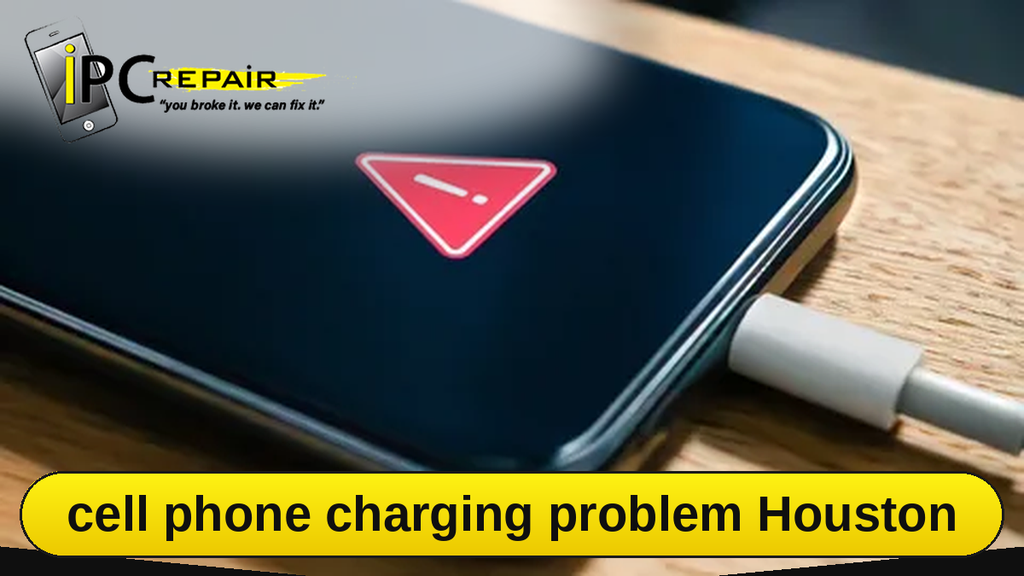
Understand the Cost of Charging Port Repair
Charging port repair prices can vary depending on the phone model, port design, damage level, and availability of replacement parts. A simple cleaning may cost less than a complete port replacement, while some devices require more complex work. If you are searching for phone charging port repair cost in Houston, ask the repair provider for an estimate based on your exact device. The price should reflect the actual repair needed rather than a general estimate for all phones.
Replacement costs may also differ between brands and models. Some phones have charging ports that are easier to replace, while others require additional disassembly or specialized parts. Understanding the charging port replacement cost in Houston before approving the repair can help you plan your budget. A clear estimate should explain whether the price includes parts, labor, diagnostic fees, and any applicable warranty. This makes the repair process easier to understand and avoids unexpected charges.
How Long Does the Repair Usually Take?
Repair time depends on the phone model, the type of damage, and whether the required parts are available. A simple cleaning or minor repair may take less time than replacing a charging port assembly. Some devices require careful disassembly and testing before the technician can complete the repair. If you need same-day charging port repair in Houston, ask about availability before visiting so you know whether your phone can be repaired during the same day.
Fast service is helpful, but quality should remain the priority. A technician needs enough time to inspect the device, complete the repair properly, and test the charging function afterward. If you are looking for fast charging port repair in Houston, choose a service that explains the process and checks the phone before returning it. A quick repair is useful when it includes proper testing and reliable workmanship rather than rushed service.
Protect Your Charging Port After Repair
After repairing your phone, a few simple habits can help keep the charging port in better condition. Use a compatible charger, connect the cable gently, and avoid pulling the cord when disconnecting it. Keep your phone away from excessive dust and moisture, and do not place unnecessary pressure on the charging connector. Regular care can reduce wear and help prevent another charging problem from developing.
If your phone gets wet, avoid charging it until you know the port is dry and safe. Do not insert sharp objects to remove debris or use excessive force when connecting a cable. If you notice a loose connection, unusual heat, or charging interruptions, get the device checked instead of continuing to use it. Proper maintenance can help protect the port, battery, and other internal components.
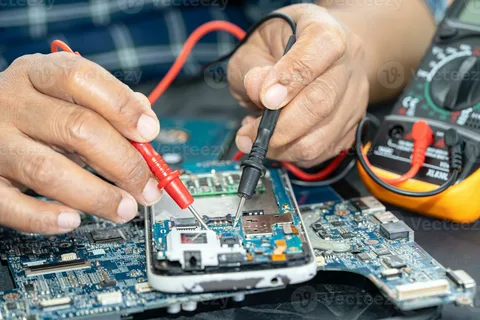
FAQs
1. How do I know if my phone charging port is damaged?
If your phone charges slowly, disconnects frequently, or only charges at an angle, the port may be damaged or dirty.
2. How long does charging port repair take in Houston?
Repair time depends on your phone model and the damage. Simple repairs may take less time than a complete port replacement.
3. Can a dirty charging port stop my phone from charging?
Yes, dust and lint can block the charging connection. Professional cleaning may restore normal charging if the port is not damaged.
4. How much does charging port repair cost in Houston?
The cost depends on your phone model, parts, and repair type. A technician can provide an estimate after inspecting your device.
5. Is it better to repair or replace a damaged charging port?
Minor issues may only need cleaning or repair, while severe damage may require replacement. A proper inspection helps determine the best option.
Find a Reliable Repair Shop in Houston
Choosing the right repair provider matters when your phone has charging problems. Look for a shop that checks the device before recommending replacement and explains the repair in clear language. A charging port repair shop Houston customers can trust should provide a reasonable estimate, discuss parts and warranty options, and test the phone after the repair. These details help you feel more confident about handing over your device.
If you are unsure where to fix phone charging port Houston problems, consider contacting IPC Repair Houston for information about available services. Explain what your phone is doing, whether it charges at an angle, and whether you have tried another charger. These details can help the repair team understand your problem and guide you toward the next step. A proper inspection can help you avoid guesswork and unnecessary replacements.
Conclusion: Don’t Wait for Complete Charging Failure
Charging problems rarely become convenient, especially when you depend on your phone for work, communication, navigation, and everyday activities. A loose cable, slow charging, dust buildup, or a phone that stops recognizing the charger can all be signs that something needs attention. Fixing these problems early may help prevent additional damage and reduce the chance of your phone becoming unusable when you need it most. Simple habits such as using quality cables, keeping the port clean, and avoiding force can also make a difference.
If your phone has a charging problem, do not wait until the battery runs out completely. IPC Repair Houston can help you explore repair options based on your device and its condition. Getting charging port repair Houston service at the right time can help restore reliable charging and make your phone easier to use again. Have your device inspected, understand the repair options, and take care of the problem before it gets worse.