
Laptops and MacBooks have become essential for work, education, business, and everyday communication. When a device starts running slowly, refuses to charge, or suddenly shuts down, it can interrupt your entire day. Professional laptop repair Houston services can help identify these problems and restore your device without unnecessary replacements. Understanding common faults also helps you recognize when a simple troubleshooting step may work and when you need expert assistance.
At iPC Repair Houston, customers can explore repair options for different laptop and MacBook problems. Whether you are dealing with a damaged screen, battery trouble, overheating, or a device that will not turn on, the first step is understanding the cause. This guide explains common laptop faults, practical fixes, and situations where professional repair may be the right choice.
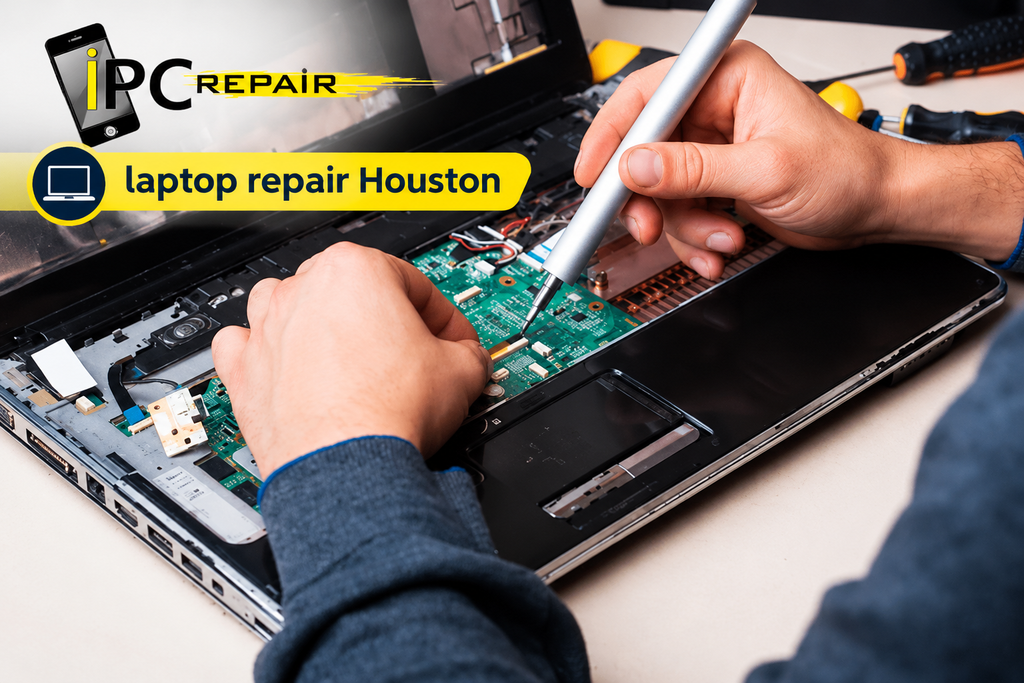
Common Laptop Problems and Solutions
Laptops can develop problems because of everyday use, accidental damage, software errors, or aging components. Some issues appear gradually, while others happen without warning. Identifying the symptoms early can help prevent additional damage and make troubleshooting easier.
Laptop Running Slow or Freezing
A slow laptop can make even simple tasks frustrating. Too many startup applications, limited storage space, outdated software, and insufficient memory can affect performance. Before arranging laptop troubleshooting in Houston, close unnecessary applications, check available storage, and restart the device. If the problem continues, a technician can inspect the hardware and software.
Try these basic steps first:
- Close applications you are not using.
- Remove unnecessary files after backing up important data.
- Check startup applications and disable those you do not need.
- Install appropriate operating system and security updates.
- Scan for malware using a trusted security program.
These common laptop problems and solutions can improve performance when software or resource usage causes the slowdown. However, a failing storage drive, damaged memory, or overheating may require further investigation.
Laptop Will Not Turn On
If your laptop does not start, check the power adapter, wall outlet, and charging connection. Disconnect unnecessary accessories and follow the manufacturer’s recommended startup procedure. If you are searching for a laptop won’t turn on fix, avoid repeatedly pressing the power button when the device shows signs of electrical damage or unusual heat.
A laptop that starts and then immediately shuts down may have a battery, power supply, cooling, or internal hardware problem. Professional laptop power issue repair can help identify the actual cause instead of replacing parts unnecessarily. If the device contains important files, tell the technician before approving any repair that could affect stored data.
Laptop Screen Replacement and Display Issues
A damaged display can make a laptop difficult or impossible to use. Some screen problems result from accidental drops or pressure on the lid, while others involve display cables, graphics hardware, or software. Correctly identifying the fault helps determine whether the device needs a replacement screen or another type of repair.
Cracked Screens and Display Damage
A cracked screen may show black patches, colored lines, flickering, or no image at all. In these cases, laptop screen replacement Houston may be appropriate after the technician checks the display and related components. Avoid pressing the damaged area because pressure can spread the cracks and make the display less usable.
A broken screen does not always mean the entire laptop is damaged. The computer may still work internally, even when the display cannot show an image. A qualified technician can assess the screen, hinges, and display connections before recommending a suitable repair.
Screen Flickering or Going Black
A flickering display can result from outdated graphics drivers, a loose display connection, an incompatible refresh-rate setting, or a failing screen. If the laptop remains stable, check for appropriate driver updates and restart it. Persistent laptop screen flickering issues may require hardware inspection, particularly if the display changes when you move the lid.
A technician providing laptop hardware repair in Houston can examine the display assembly, cable connections, and graphics-related components. This assessment helps separate software faults from physical damage and reduces the risk of replacing a part that is still working correctly.
Laptop Battery Replacement and Charging Faults
Charging problems can develop slowly as a battery ages or appear suddenly after damage to the charger or charging port. A laptop that loses power during important work can create inconvenience and increase the risk of losing unsaved files. Checking the power source is a useful first step.
Laptop Not Charging Properly
If your laptop does not charge, inspect the adapter and cable for visible damage. Try a compatible power outlet and check whether the charging indicator responds. Effective laptop not charging troubleshooting begins with these simple checks before moving to more complex repairs.
If the adapter works but the laptop still will not charge, the issue may involve the battery, charging port, or internal power circuitry. Laptop charging port repair Houston services can assess damaged connectors and loose connections. Avoid forcing the charging plug into the port, as this can cause additional damage.
When to Replace a Laptop Battery
A battery may need attention when it drains quickly, fails to hold a charge, or causes unexpected shutdowns. Before choosing laptop battery replacement in Houston, check the battery’s reported health when your operating system supports that feature. Battery performance naturally changes over time, but sudden changes may indicate a fault.
Watch for these warning signs:
- Battery life becomes noticeably shorter.
- The laptop shuts down even when the battery indicator shows charge.
- The battery does not charge normally.
- The laptop casing becomes raised or separates around the battery area.
A swollen battery needs prompt professional attention. Stop using and charging the device, and do not press, puncture, or attempt to remove the battery yourself.
Laptop Overheating and Motherboard Problems
Heat can affect laptop performance and cause unexpected shutdowns. Dust buildup, blocked vents, cooling fan faults, and demanding applications can increase internal temperatures. Good ventilation and regular maintenance help keep the cooling system working as intended.
Common Causes of Laptop Overheating
One of the most common causes of laptop overheating is restricted airflow. Using a laptop on a bed, blanket, or soft cushion can block ventilation openings. Place the device on a firm surface and keep its air vents clear. If the laptop remains unusually hot, shuts down, or becomes very loud, arrange an inspection.
Professional laptop overheating repair may involve cleaning internal dust, inspecting the cooling fan, or checking the thermal management system. The appropriate solution depends on the device’s condition. Avoid opening the laptop unless you have the required tools and experience, especially when the device is still under warranty.
Motherboard and Internal Component Faults
The motherboard connects many of a laptop’s essential components. Damage from liquid spills, electrical problems, physical impact, or component failure can cause startup issues, charging faults, and other unusual behavior. Laptop motherboard repair Houston may be considered when diagnostics point to a board-level problem.
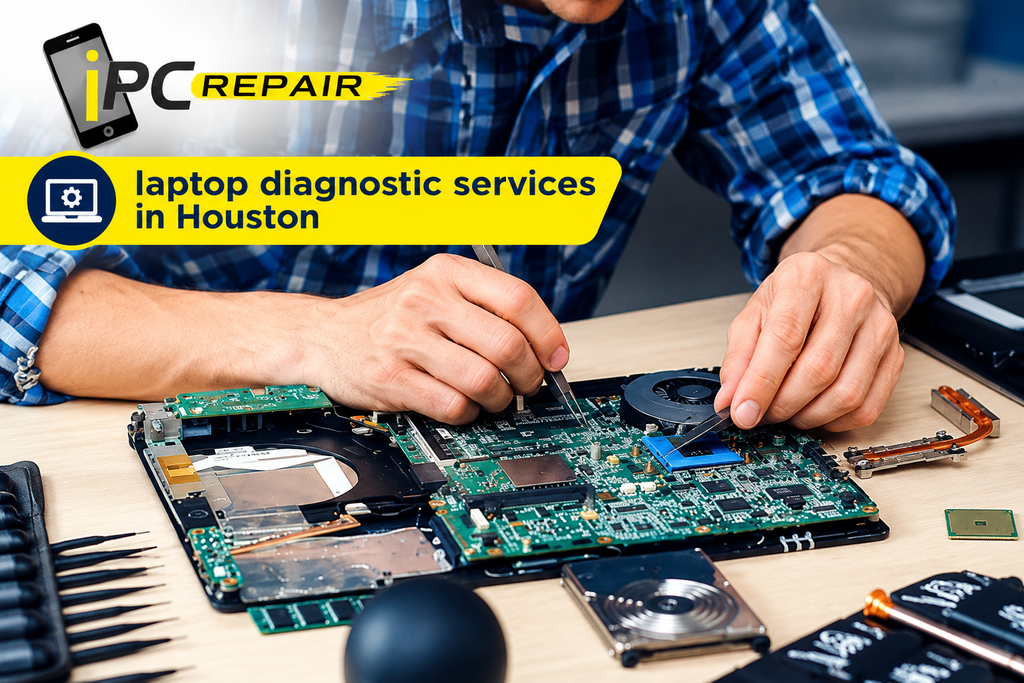
Not every laptop that refuses to start has a damaged motherboard. A faulty adapter, battery, charging port, or another internal component can produce similar symptoms. Proper laptop diagnostic services in Houston help narrow down the cause before a repair decision is made. Ask for an explanation of the findings and a clear estimate before authorizing the work.
MacBook Repair Houston: Common Device Faults
MacBooks are widely used for professional work, creative projects, education, and personal tasks. Like other computers, they can develop battery, display, keyboard, charging, and software problems. Choosing a repair option that matches the specific fault can help avoid unnecessary expense.
MacBook Air and MacBook Pro Problems
MacBook Air repair Houston may involve battery problems, damaged displays, charging faults, or performance issues. MacBook Air models differ by generation, so the correct replacement parts and repair method depend on the exact model. Back up important files whenever possible before arranging service.
Similarly, MacBook Pro repair Houston can involve screen damage, overheating, keyboard problems, and startup failures. A MacBook Pro that runs slowly may need software maintenance, additional storage space, or hardware diagnostics rather than an immediate component replacement. A technician should assess the symptoms before recommending a solution.
MacBook Screen and Keyboard Damage
A MacBook screen may crack after an accidental drop or develop display problems that affect normal use. MacBook screen repair Houston can help determine whether the display assembly or another component needs attention. Because display assemblies vary across models, technicians should confirm compatibility before installing replacement parts.
Keyboard problems can include unresponsive keys, repeated characters, or keys that stick after a spill. MacBook keyboard repair Houston may involve cleaning, component repair, or keyboard replacement, depending on the damage. Avoid pouring cleaning liquids onto the keyboard or forcing stuck keys, as these actions can make the problem worse.
MacBook Charging and Logic Board Faults
When a MacBook does not charge, the cause may be its power adapter, cable, port, battery, or internal circuitry. MacBook charging port repair may be necessary when the connection is damaged or fails to work consistently. Check the manufacturer’s charging guidance and use a compatible power adapter before assuming that the port is faulty.
If the MacBook will not power on after basic checks, MacBook logic board repair Houston may be an option if diagnostics identify a board-level fault. The correct repair depends on the model and the nature of the damage. A careful assessment can help determine whether component-level repair or another solution is appropriate.
MacBook Water Damage and Liquid Spills
Liquid spills can damage laptops and MacBooks even when the device appears to work immediately afterward. Moisture may reach internal circuits and cause corrosion or electrical shorts over time. Acting quickly and avoiding unsafe recovery attempts can reduce the risk of further damage.
What to Do After a Liquid Spill
If water or another liquid reaches your device, disconnect the charger if it is safe to do so and shut the computer down. Do not turn it back on to test whether it works. Avoid using a hair dryer, applying direct heat, or placing the device in rice because these methods cannot reliably repair internal liquid damage.
Professional MacBook water damage repair in Houston begins with assessing the affected components and checking for signs of corrosion. The technician can explain the likely repair options after examining the device. Recovery is not guaranteed, particularly when liquid has damaged multiple components.
Laptop Liquid Damage Repair
A laptop may show several symptoms after a spill, including keyboard failure, charging problems, random shutdowns, or an inability to start. Laptop liquid damage repair may require internal inspection and cleaning using appropriate repair procedures. The sooner the device receives a suitable assessment, the better the chance of limiting additional damage.
If the laptop contains important work documents, photographs, or business files, mention this before repair begins. Data recovery and device repair are related, but different tasks, and saving the files may require a separate approach. Never repeatedly power on a wet device to check whether it has recovered.
Laptop Keyboard and Blue Screen Errors
Keyboard failures and operating system errors can interrupt everyday computer use. These problems may come from software settings, driver conflicts, liquid damage, or failing hardware. Observing when the fault occurs can help narrow down the possible cause.
Laptop Keyboard Not Working
If the keyboard stops responding, restart the laptop when it is safe to do so and check whether an external keyboard works. Confirm that the correct keyboard layout and accessibility settings are enabled. A laptop keyboard not working fix may be as simple as correcting a setting, but persistent problems can indicate a damaged keyboard or internal connection.
If only certain keys fail, inspect them for visible debris without forcing anything underneath. A spill, physical impact, or damaged connector may require professional repair. Before approving a replacement, ask the technician to check whether the fault affects the keyboard alone or another connected component.
Understanding Blue Screen Errors
A blue screen in Windows can occur because of driver conflicts, faulty memory, storage problems, overheating, or other system errors. If the computer restarts normally, save important files and note any error message. Laptop blue screen error repair should focus on identifying the underlying issue rather than repeatedly restarting the device without investigation.
If the error continues, a technician can examine diagnostic information, recent updates, memory, and storage health. Back up important files before attempting major system changes when possible. Reinstalling the operating system should not be the first response if the underlying problem may involve failing hardware.
Laptop Data Recovery and Hardware Upgrades
A laptop can become unreliable when storage space runs low or internal components begin to fail. Upgrading suitable hardware may improve performance, while data recovery can help retrieve important files from certain damaged devices. The best option depends on the laptop model, component compatibility, and condition.
Recovering Important Files
If a laptop fails to start, the files stored on its internal drive may still be recoverable. Laptop data recovery Houston services can assess whether the problem involves the storage device, operating system, or another component. Recovery success depends on the type and extent of damage, so no result should be guaranteed before assessment.
Avoid repeatedly trying to start a laptop that may have a failing drive, especially if it makes unusual clicking noises or displays storage errors. Continued use can sometimes worsen the damage. Tell the technician which files matter most and whether you have a recent backup.
SSD and RAM Upgrades
An SSD can improve startup times and application loading on compatible laptops. A laptop SSD upgrade Houston service can help determine whether the existing drive can be replaced and whether data migration is possible. Compatibility, storage capacity, and operating system requirements should be checked before choosing an SSD.
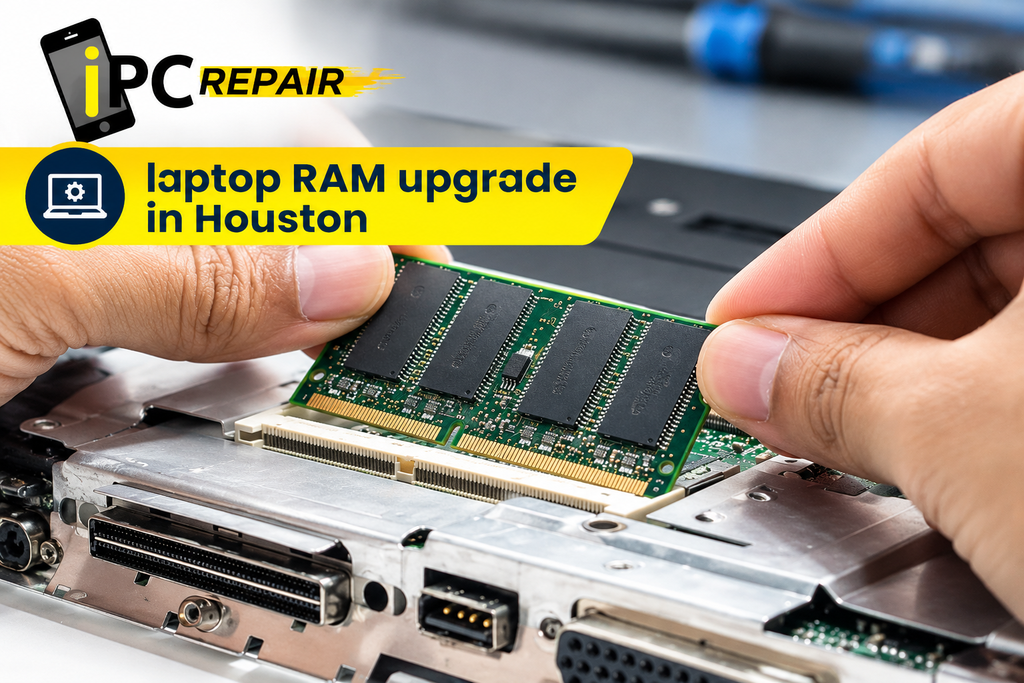
A laptop RAM upgrade in Houston may also help when a computer struggles with multiple applications or memory-intensive tasks. However, not every laptop supports memory upgrades, and some models have memory permanently integrated into the board. A technician can check the specifications and explain whether an upgrade is likely to make a meaningful difference.
Choosing Laptop Repair Services in Houston
Selecting a repair service involves more than comparing prices. You should understand what is wrong with the device, which repair is being recommended, and whether the expected cost makes sense for its age and condition. Clear communication helps you make an informed decision.
Finding an Affordable Repair Option
When looking for laptop repair shop Houston TX services, check whether the provider explains its diagnostic process and gives an estimate before starting work. Ask about parts, labor, repair timelines, and warranty terms. The cheapest quote may not offer the best value if it excludes essential work or uses unsuitable replacement parts.
People searching for affordable laptop repair in Houston should compare the complete repair estimate with the cost of replacing the device. Consider the laptop’s age, performance, battery condition, and future needs. A trustworthy technician should explain the available choices without promising that every device can be repaired economically.
Professional MacBook and Same-Day Repairs
Experienced professional MacBook technicians in Houston can assess model-specific faults and explain the available repair options. Ask whether the technician has experience with your particular MacBook generation and whether the proposed replacement parts are compatible. Also confirm how the repair process will protect your data and personal information.
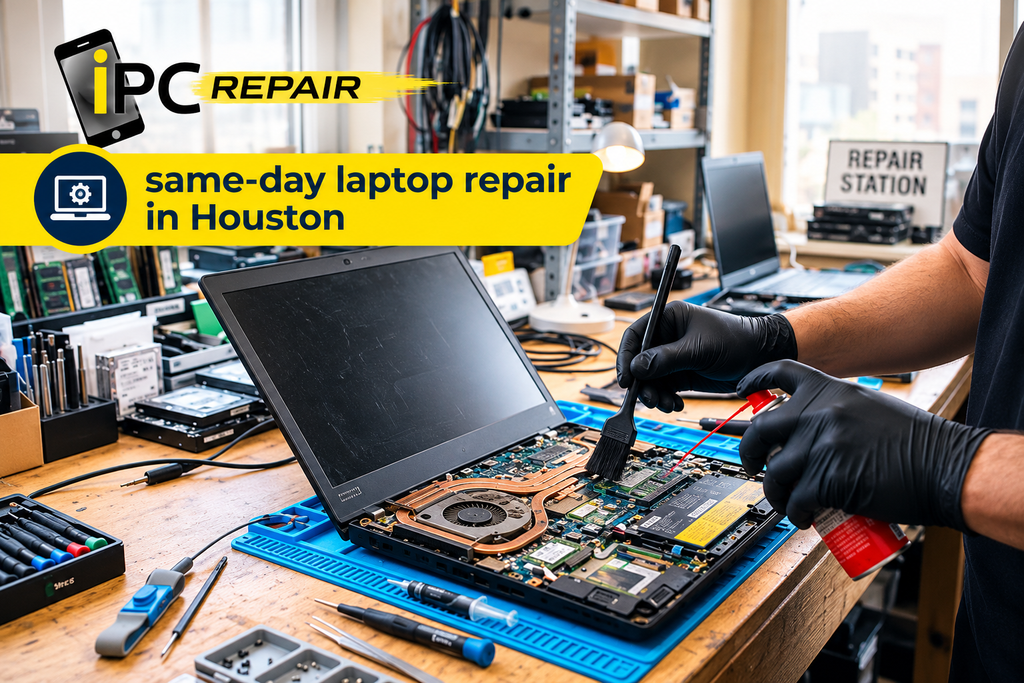
Some problems may qualify for same-day laptop repair in Houston, especially when the fault is straightforward and compatible parts are available. More complex motherboard, liquid damage, or data recovery work may take longer. If a laptop hinge is loose or broken, laptop hinge repair Houston may also be needed to prevent further damage to the display assembly.
For broader computer issues, computer and laptop repair Houston services can help assess problems involving software, storage, networking, and hardware. At iPC Repair Houston, contact the team to discuss your device’s symptoms and ask which service is appropriate before arranging a repair.
FAQS
How Do I Know When My Laptop Needs Repair?
Persistent overheating, charging problems, repeated crashes, physical damage, or sudden shutdowns can indicate a fault that needs attention. Basic troubleshooting may resolve simple software issues, but recurring problems should be assessed by a technician.
Is Repairing an Older Laptop Worth It?
The decision depends on the repair cost, device age, performance, and condition of other components. Compare the estimated repair cost with the price of a suitable replacement before deciding.
Can a MacBook Be Repaired After Water Damage?
Some liquid-damaged MacBooks can be repaired, but results depend on the extent of the damage. Shut the device down, disconnect power if safe, and arrange a professional assessment instead of testing it repeatedly.
How Long Does Laptop Repair Usually Take?
Simple repairs may take less time than motherboard repairs, liquid damage assessments, or data recovery. Parts availability and the complexity of the fault also affect the timeline. Ask the repair provider for an estimate.
Can Files Be Recovered From a Laptop That Will Not Start?
In some cases, yes. The files may remain intact even if the laptop itself cannot power on. Recovery depends on the condition of the storage device and the type of failure.
Conclusion
Laptop problems can range from simple software issues to damaged screens, failing batteries, overheating, and complex internal faults. Understanding the symptoms helps you take sensible first steps and avoid actions that could make the damage worse. When basic troubleshooting does not solve the issue, laptop repair Houston services can help identify the cause and explain suitable repair options. Contact iPC Repair Houston to discuss your laptop or MacBook problem, understand your options, and decide on the next step with confidence.